DocxDetector - AI Detector & Plagiarism Checker
Choose a File or Drag It Here
Choose a File or Drag It Here
Word count: 300–30,000 words
You'll receive a certified Plagiarism Report (PDF) + AI Detection Report (PDF) with detailed breakdown.
Read Before Checking
Turnitin Plagiarism and AI detection have different criteria.
Plagiarism Check (Similarity Report)
Checks your document against billions of web pages, publications, and student papers.
- File Size: Under 20MB
- Minimum Words: At least 300 words of text
- Accepted Formats: .doc, .docx, .pdf
- Supported Languages: 176+ languages, including English, Chinese, Spanish, French, German, Japanese, etc.
- Important Limitations:
• Check is not supported for PDFs containing scanned images or non-selectable text.
AI Writing Detection
Analyzes your text to identify content likely generated by AI tools like ChatGPT.
- File Size: Under 20MB
- Minimum Words: At least 370 words of continuous prose (no lists or code)
- Maximum Words: Up to 30,000 words
- Supported Languages: English, Spanish, Japanese, Arabic only
- Accepted Formats: .doc, .docx, .pdf
- Important Limitations:
• AI detection does not analyze text inside tables.
• The premise of AI detection is the ability to perform plagiarism checks correctly.
Note: AI detection requires sufficient prose text. Documents with mostly bullet points, code, or short phrases may not generate an AI report.
How DocxDetector Works
Plagiarism Check
Your document is compared against DocxDetector's massive database:
- Billions of web pages
- Millions of published works and journals
- A repository of student papers (from institutions that enable sharing)
Your submission is **never added** to this repository.
AI Writing Detection
Turnitin’s AI model analyzes linguistic patterns to identify text likely generated by AI tools like ChatGPT:
- Evaluates sentence structure, word choice, and predictability
- Trained specifically on student writing to reduce false positives
- Only available for English, Spanish, Japanese, and Arabic prose
Your Privacy Guarantee
We use an educator account configured to **disable all storage**. This means:
- Your file is processed and immediately discarded
- It is **never saved** to Turnitin’s database or our servers
- All reports auto-delete after 24 hours for maximum security
Why You’ll Love DocxDetector
Catch issues before submission. Run a full check with confidence.
See Exactly What Your Professor Sees
Get the exact report your professor will see—no surprises.
Protect Your Academic Integrity
Know your results early. Revise with confidence.
Zero Storage in Database
Your file is checked, not collected. Never stored. Never indexed.
Revise Smartly with Feedback
Our report highlights flagged sentences for plagiarism or AI.
How to Use DocxDetector
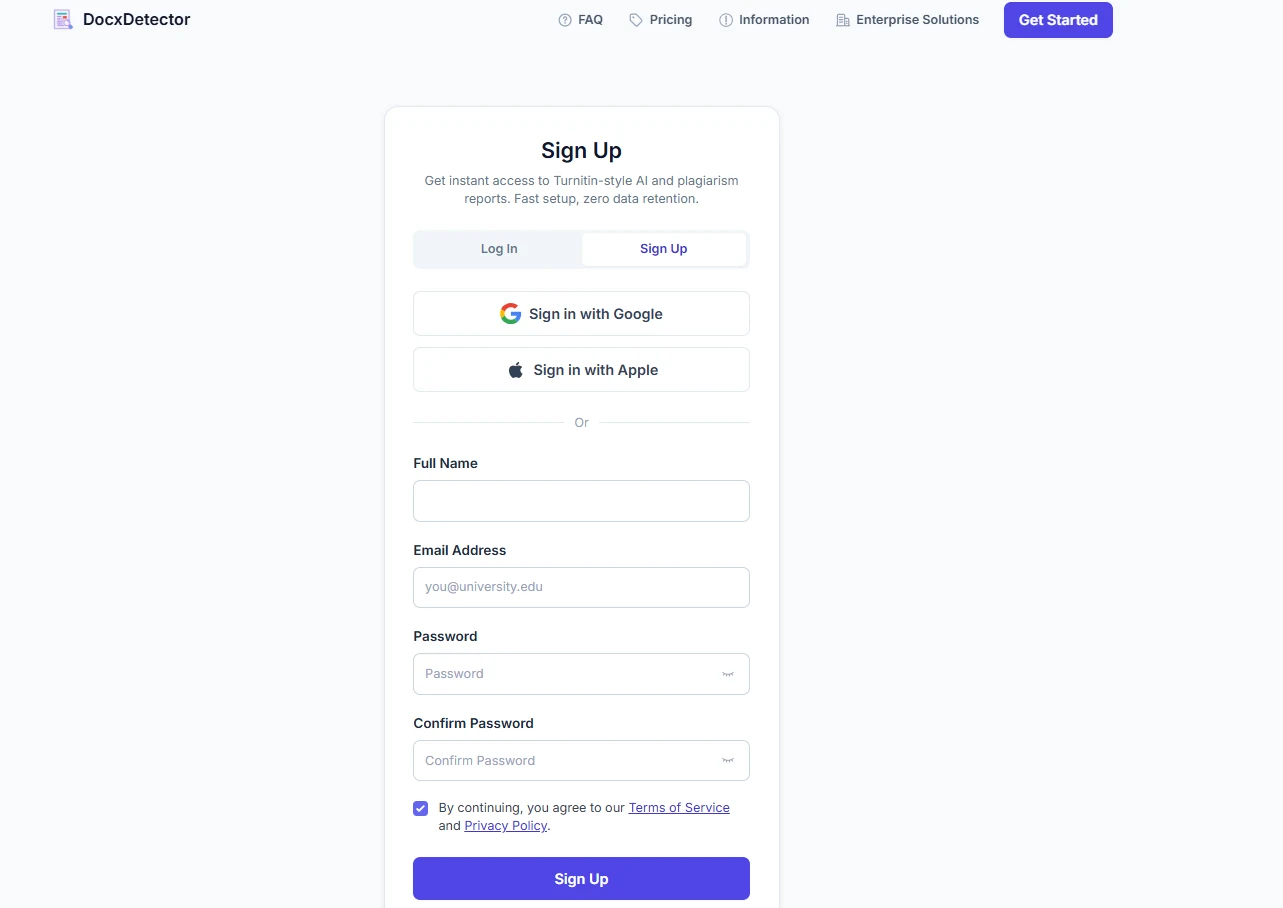
Sign Up & Log In
Create a free account in seconds — sign up with email or continue with Google.
Upload Your Document
Drag & drop a PDF or DOCX file (300–30,000 words). Your file is never stored.
Wait for the Check (5–20 Minutes)
A full Turnitin check usually takes 5–20 minutes. Track progress on the History page or come back later.
Check Completed
Your report is ready — we'll also email you a copy so you never miss it.
Review Your Report
See similarity sources, AI probability and flagged sentences — exactly like your school's Turnitin report. Revise and resubmit with confidence.