How to Avoid Getting Flagged as AI by Turnitin: 7 Proven Strategies

Turnitin's AI detection system has become a major concern for students worldwide. Even if you wrote your paper yourself, there is always a risk of being falsely flagged as AI-generated. The good news is that understanding how Turnitin's AI detection works is the first step to avoiding false positives and keeping your AI score low.
This guide explains exactly what triggers Turnitin's AI detection and provides 7 proven strategies to ensure your paper is recognized as authentic, human-written work.
How Turnitin AI Detection Works
Before learning how to avoid being flagged, it helps to understand what Turnitin is looking for. Turnitin's AI detection model analyzes text for patterns commonly found in AI-generated content:
- Predictable sentence structures — AI tends to produce sentences with uniform length and rhythm
- Low perplexity — AI text often uses the most statistically likely word choices
- Low burstiness — Human writing naturally varies between short and long sentences; AI writing is more consistent
- Generic phrasing — AI often uses common academic phrases without specific, personal insight
- Lack of personal voice — AI struggles to replicate individual writing style and genuine engagement with sources
Understanding these signals helps you write in a way that naturally avoids triggering the detection system.
1. Start With Your Own Ideas Before Using Any AI Tool
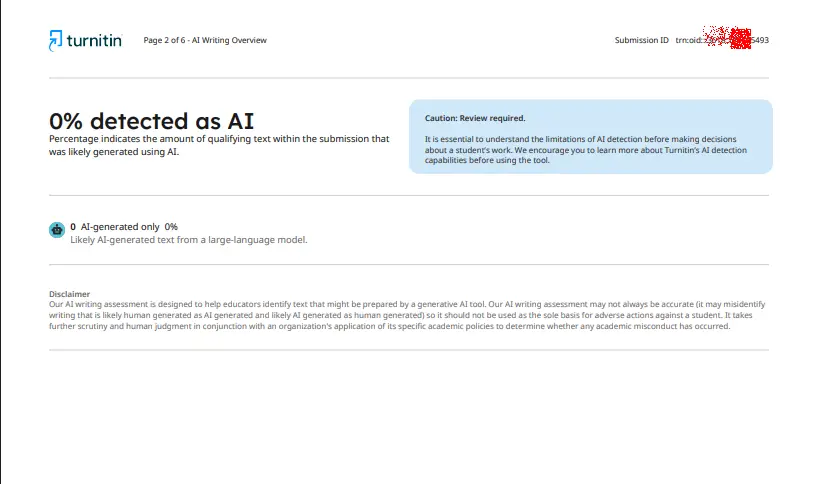
The most effective way to avoid being flagged by Turnitin is to ensure the intellectual foundation of your paper is entirely your own. Before opening any AI tool, complete the following:
- Develop your own research question
- Write your thesis statement from scratch
- Create a rough outline based on your understanding
- Take notes from your readings in your own words
- Collect key quotations and evidence
- Form your own interpretation of the sources
- List the arguments you want to make
When the core ideas are yours from the start, your writing will naturally contain the personal voice and genuine reasoning that AI detectors look for as signs of human authorship.
2. Never Let AI Write Entire Sections
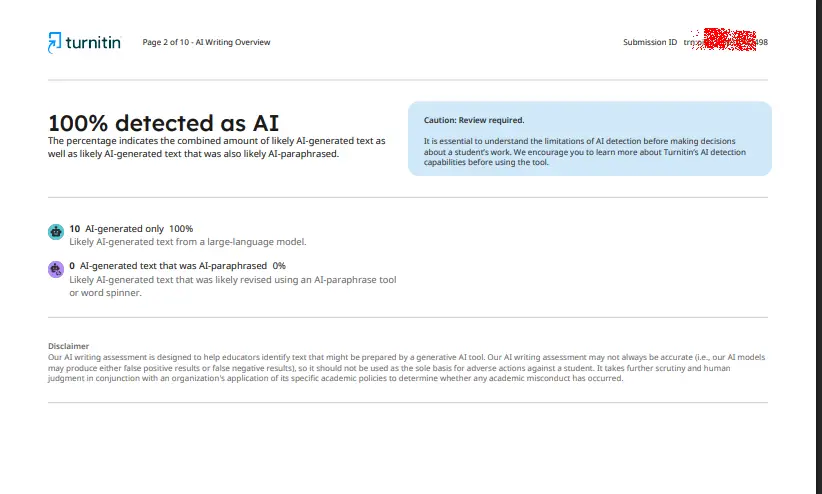
Having AI produce entire paragraphs, sections, or pages is the fastest way to get flagged. Even if you edit the output afterward, large blocks of AI-generated text leave detectable patterns. Turnitin's model is trained to identify these patterns even after light editing.
Full AI-generated text typically shows:
- Uniform sentence length and structure
- Generic academic phrases without specific insight
- Repetitive transitional patterns
- Lack of course-specific knowledge
- Writing style that does not match your previous work
The rule: AI should assist your writing, not replace it. Use AI only for small, specific tasks — never for drafting entire sections.
3. Use AI Only for Brainstorming and Feedback
The safest way to use AI without triggering Turnitin's detection is to limit it to brainstorming and feedback tasks. AI can be helpful for:
- Suggesting possible angles on your topic
- Explaining a theory you find difficult
- Generating questions you should consider addressing
- Identifying counterarguments to strengthen your position
- Suggesting a logical order for your sections
- Pointing out grammar issues (without rewriting)
However, treat all AI output as suggestions. Never copy AI-generated sentences directly into your paper. Instead, use the ideas to inform your own writing.
For example, a responsible prompt might be:
"I am writing a paper on renewable energy policy. Here is my thesis and outline. Can you suggest questions I should address to make my argument stronger?"
This approach keeps you in full control of the actual writing.
4. Write the Main Analysis Yourself
Sections that require critical thinking must always be written by you. This is especially important for:
- Argumentation and thesis development
- Interpretation of evidence
- Literature review synthesis
- Critical analysis of sources
- Discussion and implications
- Conclusion
These sections are where your personal voice, course-specific knowledge, and genuine engagement with the material shine through. Turnitin's AI detection is less likely to flag text that contains:
- Your natural writing style
- Specific references to course materials
- Personal insights and original reasoning
- Varied sentence structures
- Genuine engagement with sources
5. Avoid AI Rewriting and Humanizer Tools for Large Sections
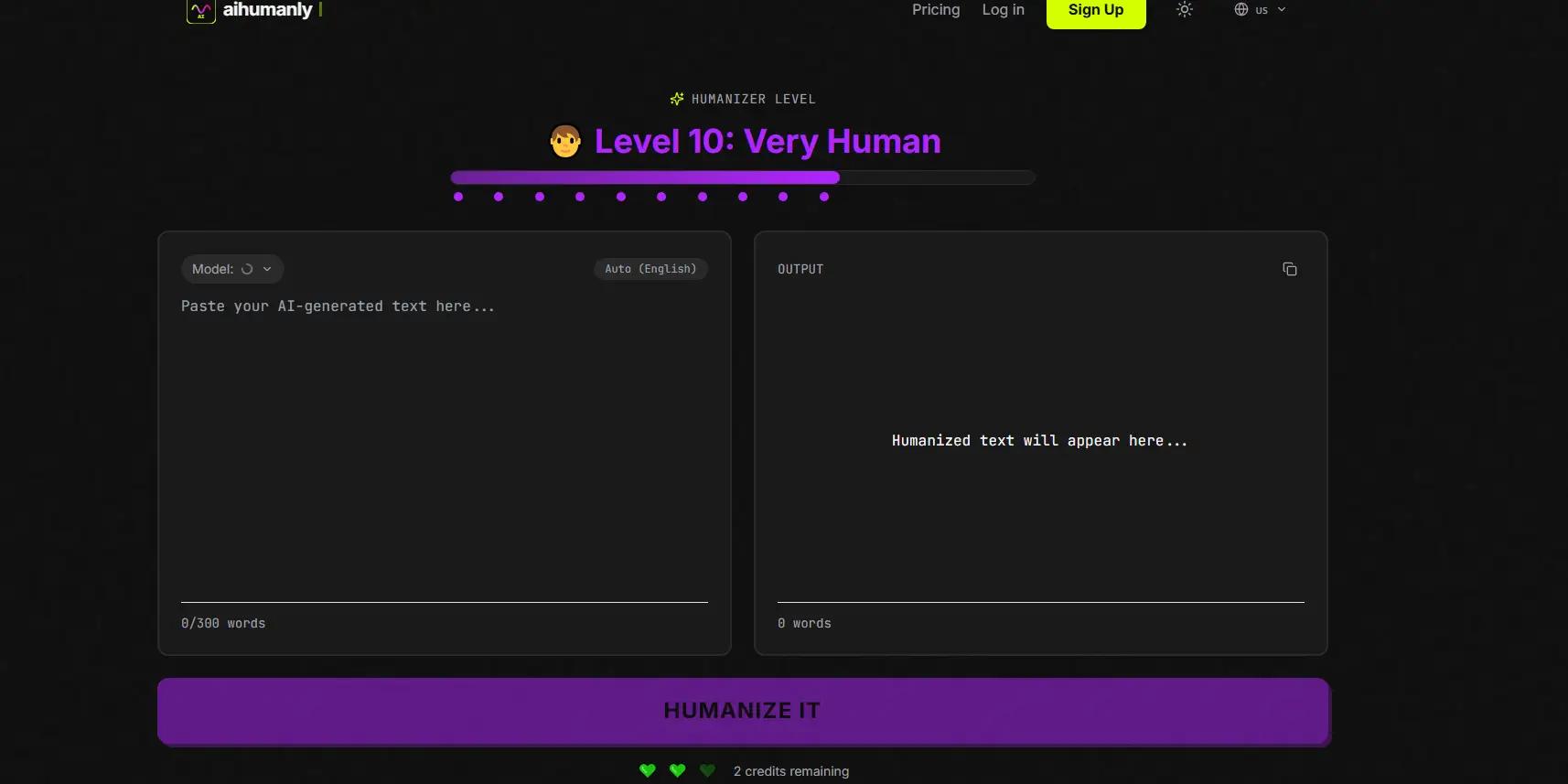
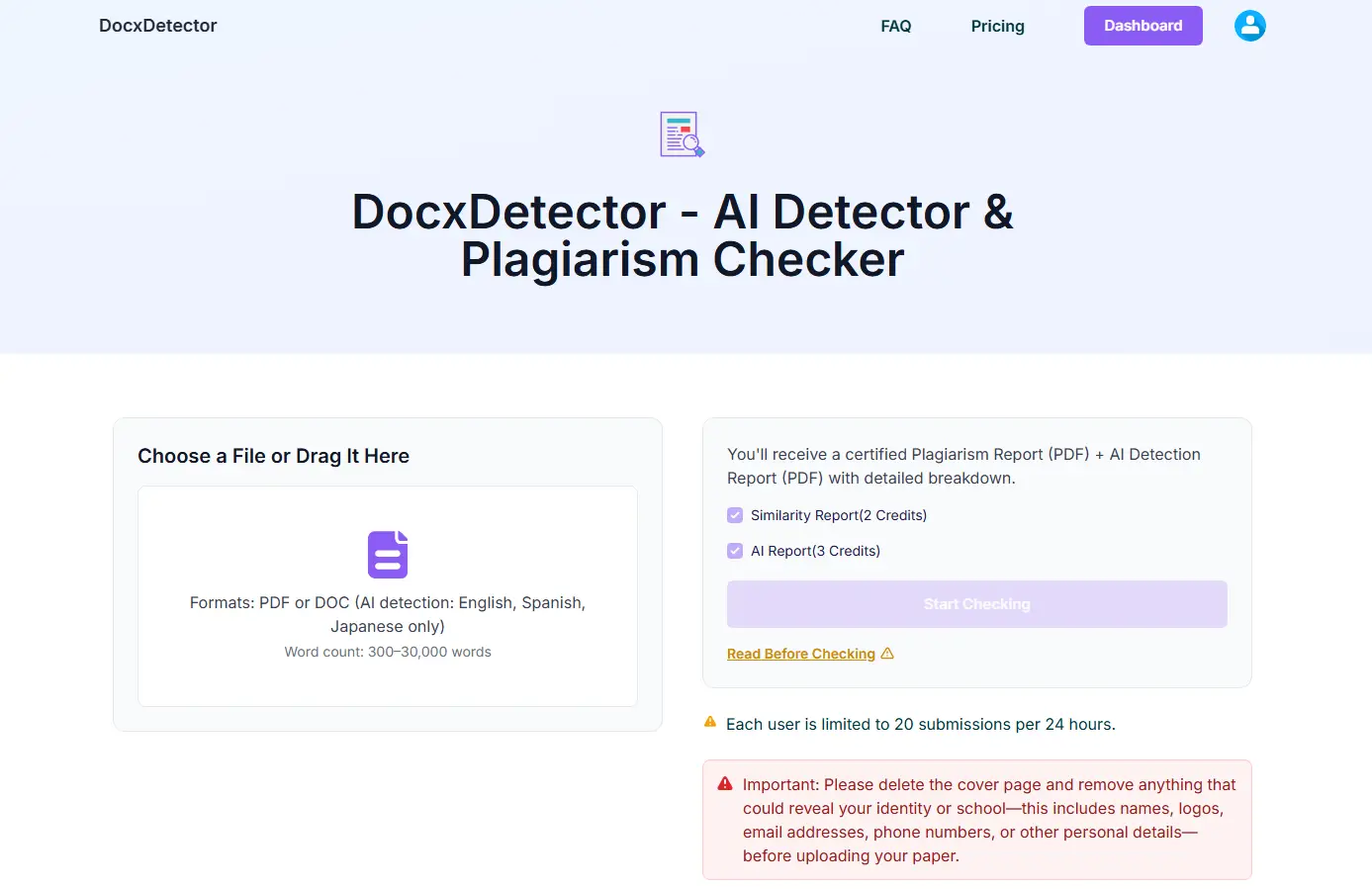
Many students turn to AI rewriting tools or humanizers to make AI-generated text less detectable. However, this approach carries significant risk. Even advanced humanizers like AiHumanly cannot guarantee bypassing Turnitin's detection, especially on long sections.
If you use AI to rewrite large portions of your work, it may:
- Still leave detectable patterns in sentence structure
- Remove the personal voice that proves human authorship
- Introduce generic phrasing that triggers detection
- Violate your institution's academic integrity policy
If your institution permits AI-assisted language editing, use it only for narrow tasks:
- "Point out grammar errors only — do not rewrite."
- "Suggest where this paragraph is unclear."
- "Identify sentences that are too long."
- "Do not change my tone or argument."
Then revise the writing yourself. This ensures the final text remains authentically yours.
6. Vary Your Sentence Structure Naturally
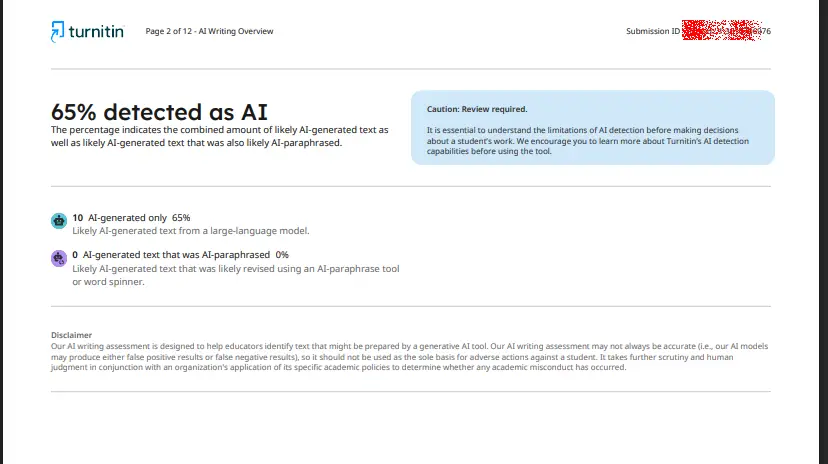
One of the strongest signals Turnitin looks for is "burstiness" — the natural variation in sentence length and structure that characterizes human writing. AI tends to produce sentences of similar length and structure, which lowers burstiness and raises the AI score.
To write with natural burstiness:
- Mix short, direct sentences with longer, complex ones
- Use varied transitional phrases — avoid repeating the same ones
- Break up long paragraphs
- Use active voice more than passive voice
- Include specific examples and concrete details
- Write in your natural rhythm — do not force uniformity
Reading your writing aloud can help you identify sections that sound too uniform or mechanical.
7. Keep Evidence of Your Writing Process
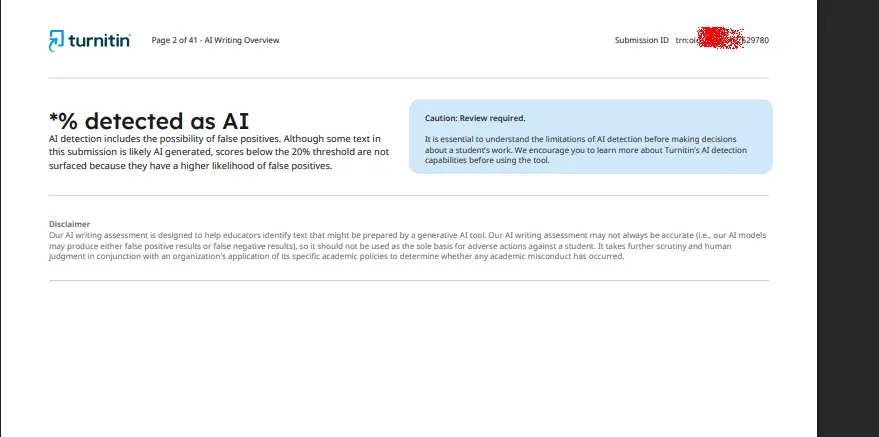
If your paper is ever questioned, having documentation of your writing process is your strongest defense. AI detectors are not perfect — even genuinely student-written papers can sometimes be flagged. Keeping records protects you.
Maintain the following:
- Early outlines and planning notes
- All draft versions with timestamps
- Notes from readings and annotated PDFs
- Handwritten planning notes or sketches
- Version history in Google Docs or Word
- Research logs showing your sources
- AI prompts and outputs (if AI use is permitted)
- A written record of what you used AI for
This documentation proves that the paper is your own work and shows a genuine writing process from start to finish.
What to Do If You Are Flagged as AI
Being flagged by Turnitin does not automatically mean you committed misconduct. AI detectors produce false positives. If this happens to you:
- Stay calm. A high AI score is not a final judgment.
- Gather your evidence. Collect all drafts, notes, and version history.
- Request a meeting. Speak with your instructor to explain your writing process.
- Show your process. Demonstrate how you developed your ideas from research to final draft.
- Be honest. If you used any AI tools, disclose exactly how you used them.
- Ask for a fair review. Request that your paper be evaluated on its merits, not solely on an automated score.
A strong record of your work is the best protection against false positives.
Pre-Submission Checklist: Is Your Paper Safe?
Before submitting your paper, go through this checklist to minimize the risk of being flagged:
- Did I create the thesis and main arguments myself?
- Did I write all analysis, interpretation, and discussion sections myself?
- Did I avoid copying any AI-generated text directly into my paper?
- Does my writing show natural variation in sentence length and structure?
- Does the paper reflect my personal voice and course-specific knowledge?
- Did I verify all citations and sources myself?
- Did I keep drafts and notes as evidence of my process?
- If I used AI, did I limit it to brainstorming and feedback only?
- Can I explain every part of this paper if asked?
- Does the final paper sound like something I would write?
If you can answer yes to all of these, your paper is in a strong position to pass Turnitin's AI detection.
Final Thoughts
The best way to avoid being flagged as AI by Turnitin is to write authentically. When your paper reflects your own thinking, research, and writing ability, it naturally contains the signals that distinguish human writing from AI-generated text.
AI tools can be useful assistants — for brainstorming, explaining concepts, or checking grammar — but they should never replace your own writing. The moment you let AI draft your paper, you risk triggering detection and undermining your academic integrity.
Focus on developing your own ideas, writing in your natural voice, and keeping records of your process. That is the most reliable way to ensure your paper passes Turnitin's AI detection — not because you are trying to "beat" the system, but because your work is genuinely your own.